Export transactions to CSV
Download your transaction data as a CSV file.
Last updated: July 12, 2026
You can download your transaction data as a CSV file (available on the web app).
Steps
1. Open the dashboard on the web app
Log in to RAYS CARD in a browser.
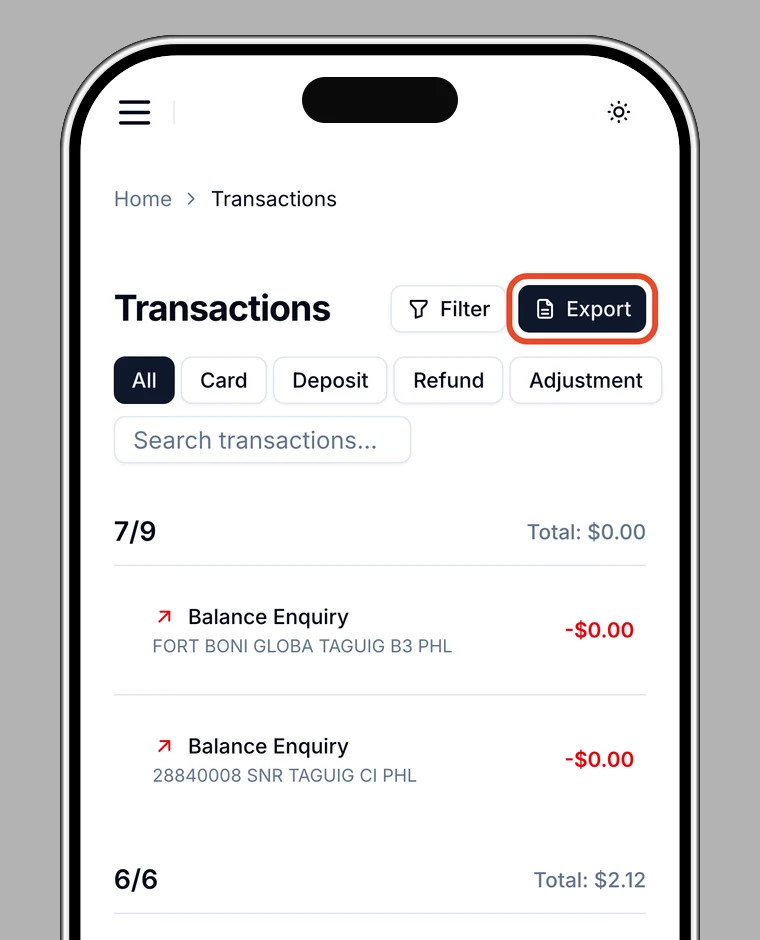
2. Choose "Export"
On the transactions screen, use Export to save your transactions as CSV.
What the CSV includes
Date, type, status, amount, currency, description, network, and transaction hash.
Use it for
Accounting, expense reports, and keeping your own records.