Change your password
Change your password to a new one while you're logged in.
Last updated: July 12, 2026
While you're logged in, you can change your account password. If you've forgotten your password and can't log in, see Reset your password instead.
Steps
1. Open password change
Open Settings → Security → Change password.
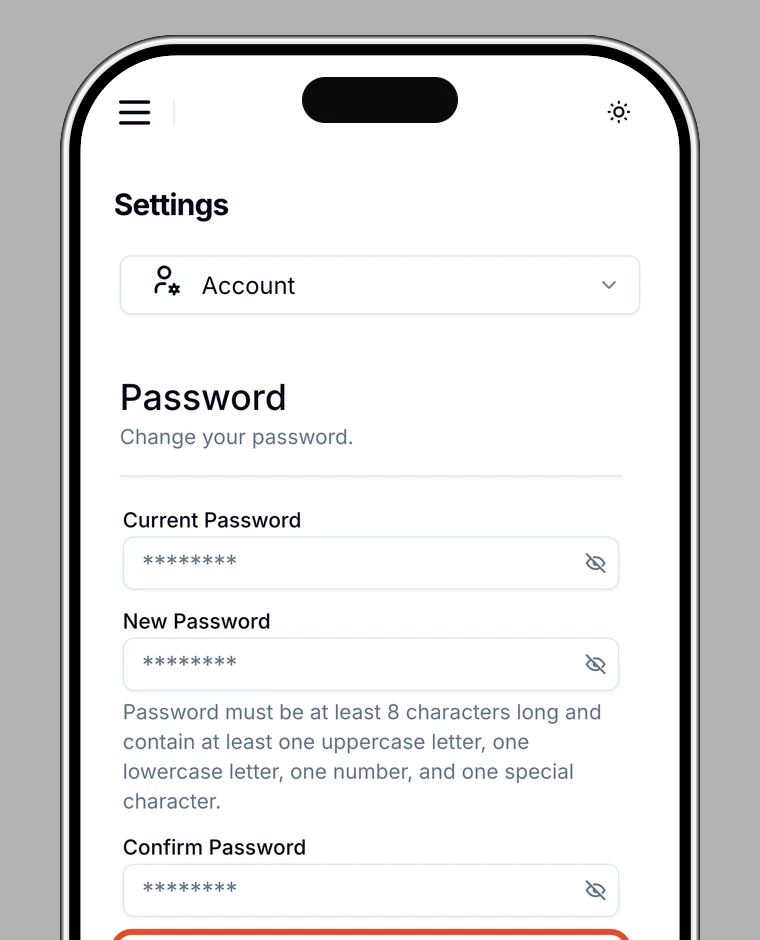
2. Enter your current password
Enter your current password.
3. Enter a new password
Enter your new password and a confirmation. The password must be at least 8 characters and include at least one uppercase letter, one lowercase letter, one number, and one special character.
4. Save the change
Once saved, you'll see Password changed.
Note
If the new passwords don't match or don't meet the requirements, an error appears. Check your entries.