Manage notification settings
Manage the push notification types (transaction, deposit, security, promotions).
Last updated: July 12, 2026
You can manage which notifications you receive in the app's notification settings.
Steps
1. Open notification settings
Open Settings → Notifications in the app.
2. Turn on push notifications
Turn on Push notifications to manage each notification type.
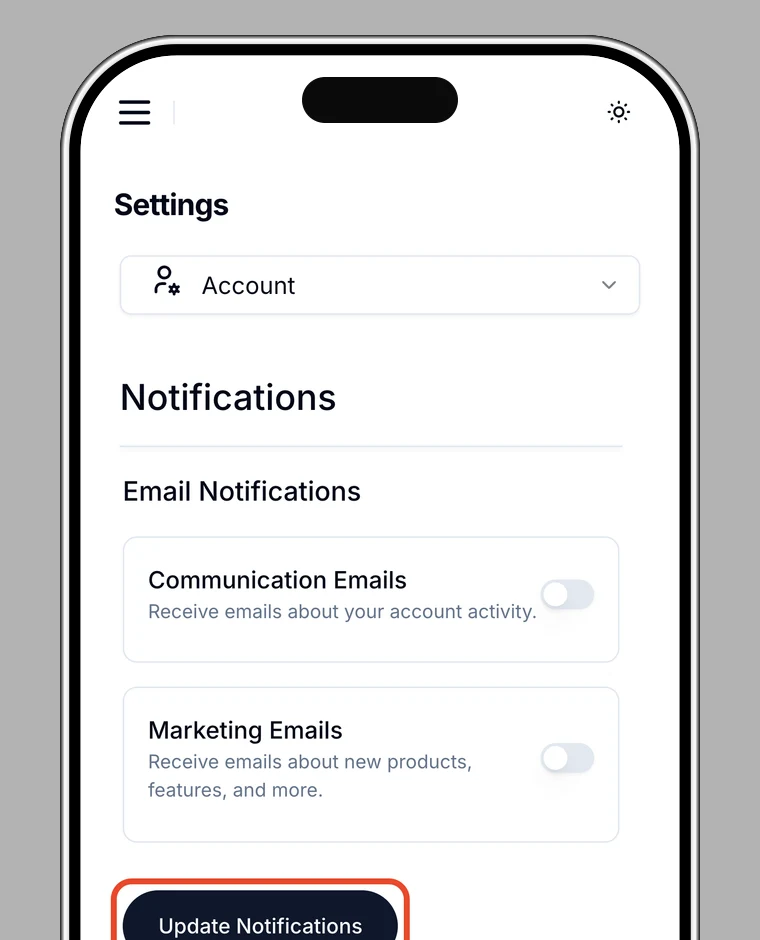
3. Toggle each type
You can turn each of these on or off individually:
- Transaction notifications: card payments and other transactions
- Deposit notifications: deposits (top-ups)
- Security notifications: important alerts about login and security
- Promotions: announcements and promotional info
Note
While push notifications are off, you can't change the individual settings. Turn on Push notifications first.