Verify your email (OTP)
Verify your email address with the code we send to your inbox.
Last updated: July 12, 2026
If your email address isn't verified yet, email verification (OTP) is required at login.
Steps
1. Receive the code
When you see Email verification required, a verification code (OTP) is sent to your registered email address.
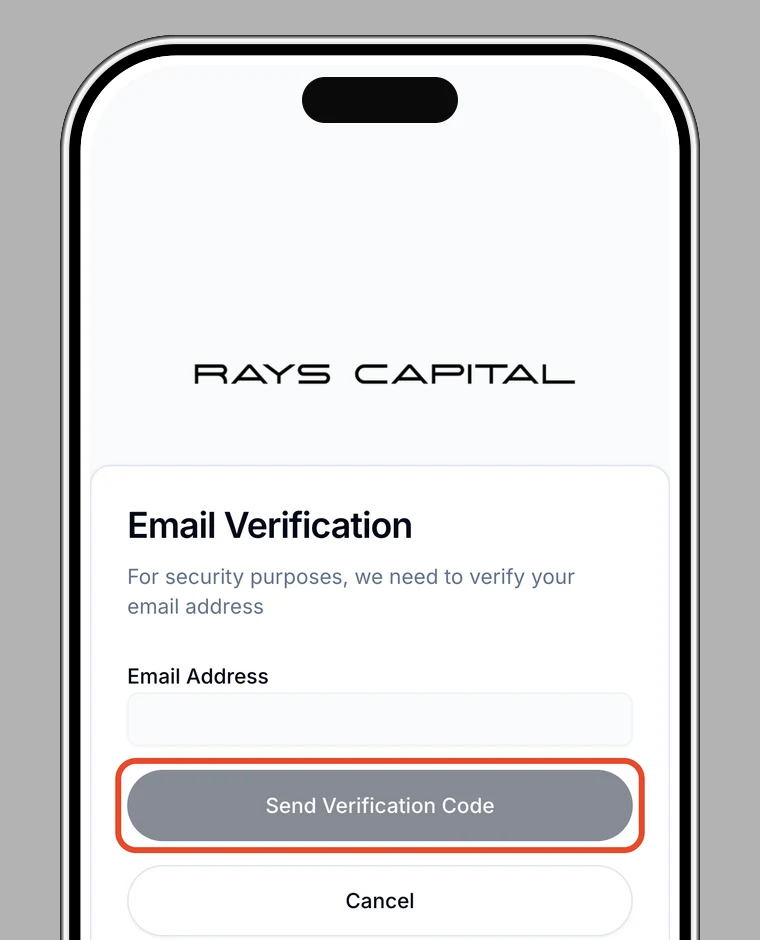
2. Enter the code
Enter the code from the email to verify.
3. Done
Once verified, you can continue to log in.
If the code doesn't arrive
Check your spam folder. If it still doesn't arrive, try resending it, or see Contact support.