Log in
Log in to the RAYS CARD app with your email address and password.
Last updated: July 12, 2026
You log in to the RAYS CARD app with your registered email address and password.
Steps
1. Open the app
Open the RAYS CARD app to reach the login screen.
2. Enter your email and password
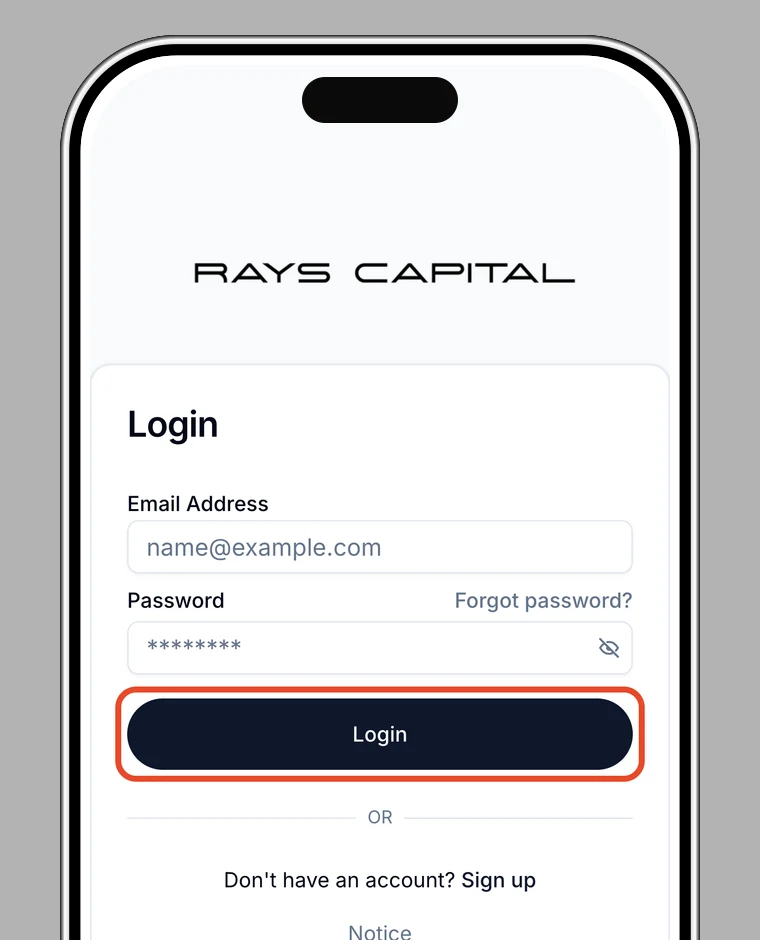
Enter your registered email address and password, then tap Log in.
3. Additional authentication (if needed)
- If your email isn't verified yet, complete email verification (OTP).
- If you've set up two-factor authentication, enter the 6-digit code from your authenticator app (see two-factor authentication).
If you can't log in
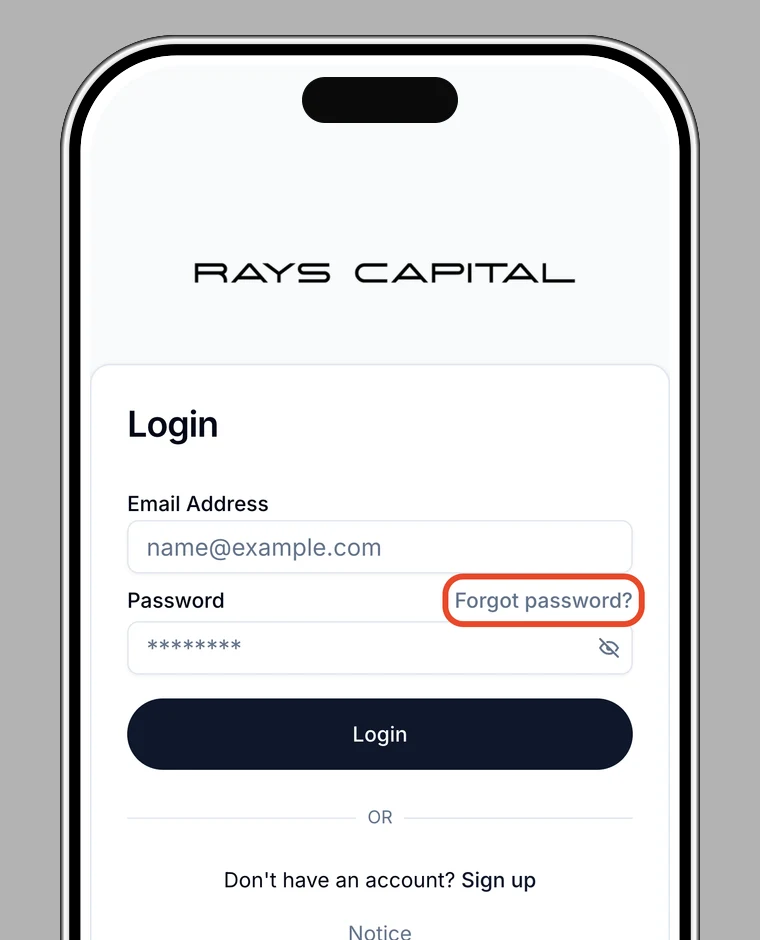
If you've forgotten your password, use Forgot password? on the login screen to reset your password.