Add funds
Add funds to your account from the deposit screen in the app.
Last updated: July 12, 2026
You add funds (top up) to your account from the deposit screen in the app.
Steps
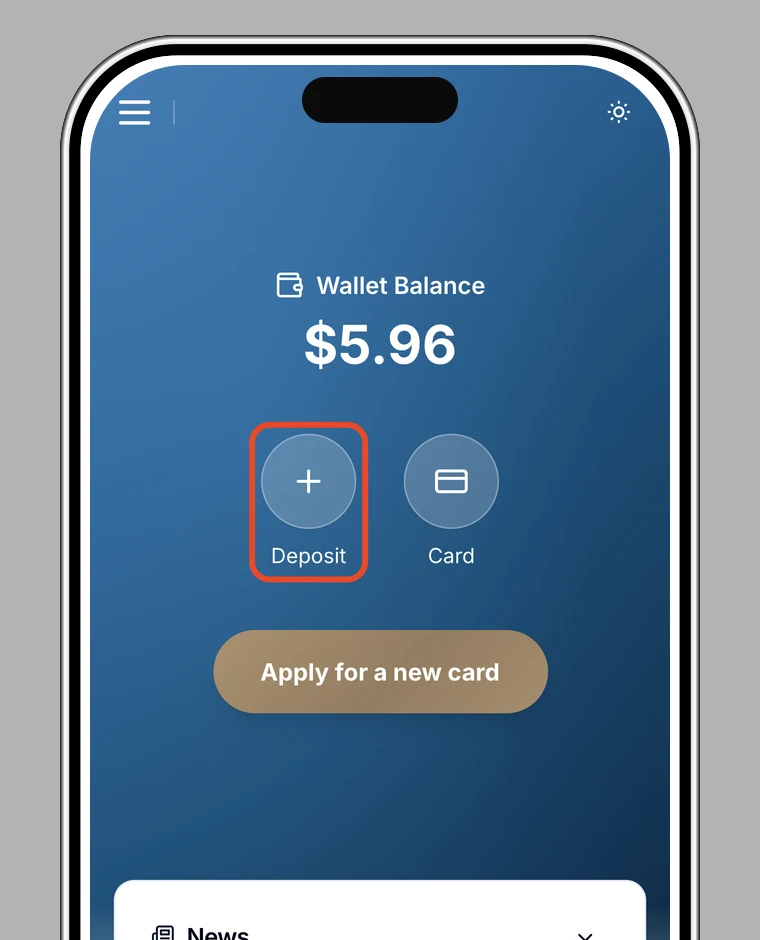
1. Open "Deposit" from Home
On the app's Home screen, tap Deposit.
2. Follow the on-screen instructions
The deposit screen opens. Choose a deposit method and follow the on-screen instructions. For crypto, see Deposit with crypto.
3. Confirm it's credited
Once the deposit completes, it's credited to your balance. You can track its status in Check your deposit history.
Note
Crypto deposits can take some time to be credited, depending on network congestion.