Buy a card and pay (crypto or card)
Pay for your card with crypto or a credit card.
Last updated: July 12, 2026
You can pay for a new card with crypto or a credit card.
Steps
1. Start buying a card
Start the card purchase (Buy card) in the app.
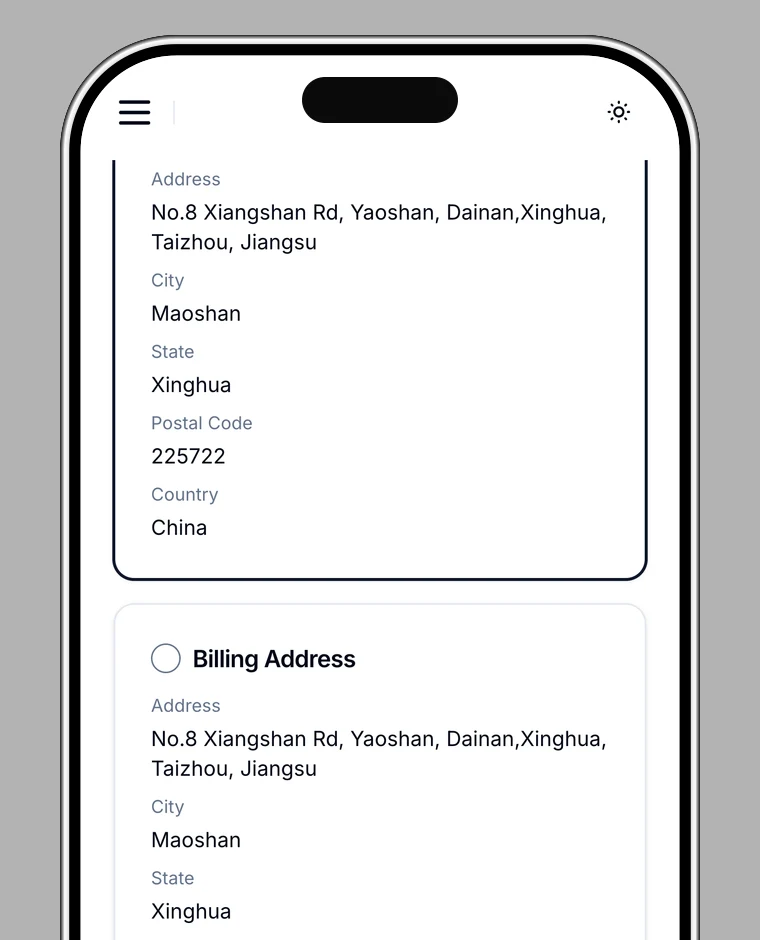
2. Confirm your shipping address
Choose the delivery address from your residential address or billing address.
3. Choose a payment method
- Pay with crypto: pay with crypto such as USDT or USDC (a BoomFi checkout page opens).
- Pay with a credit card: pay with cards such as Visa or Mastercard (3-D Secure authentication may be required).
4. Complete the payment
Tap Proceed to payment and complete the payment with your chosen method. When you see Payment complete!, your order is placed. The card ships to the selected address.
Note
The amount is shown before you pay (currency is USD).