Change your email address
Change your registered email using a verification code sent to the new address.
Last updated: July 12, 2026
You can change your registered email address using a verification code sent to the new address.
Steps
1. Open email change
Open Settings → Profile → Change email.
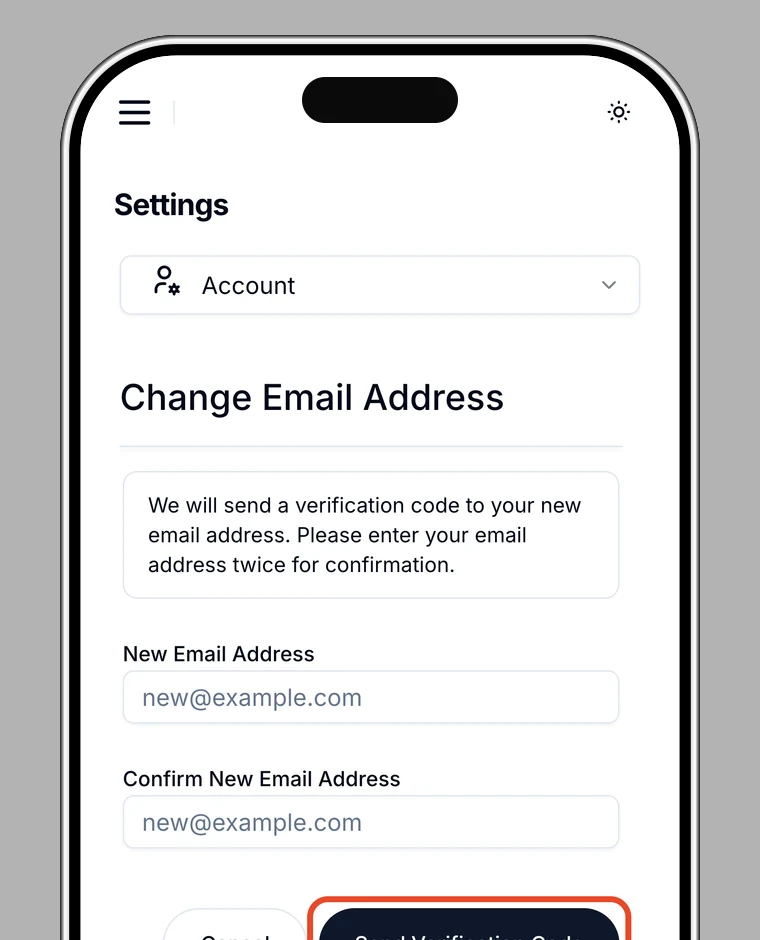
2. Enter the new email address
Enter your new email address and a confirmation.
3. Receive a verification code
For security, you may be asked for additional authentication. A 6-digit verification code is sent to your new email address.
4. Enter the verification code
Enter the 6-digit code from the email. If it doesn't arrive, tap Resend code.
5. Done
When you see Change complete, your email address has been updated.
Note
You can't use the same address as your current one, or an address that doesn't match the confirmation.